Price tickers
Price tickers are helpful little widgets that follow across the platform to show you the current prices of the markets that you want to see.
There's a very easy way to add them to your UI.
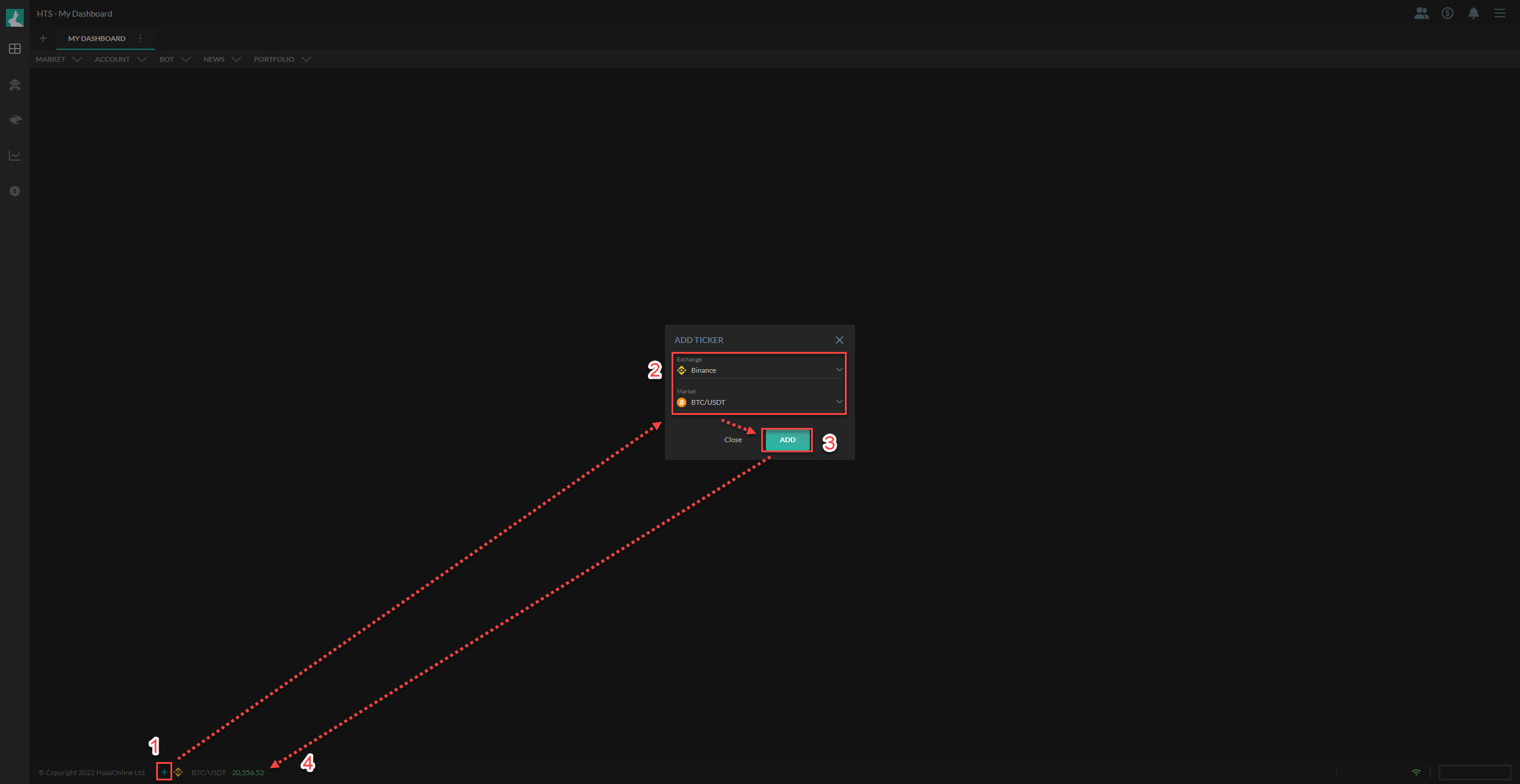
- Click on the
+button towards the bottom left of the page (hint: it's beside our Copyright text) - Select the exchange and the market from any of our supported exchanges
- Click on
Add - Voila! The price ticker now appears right next to the
+button from Step 1
Success
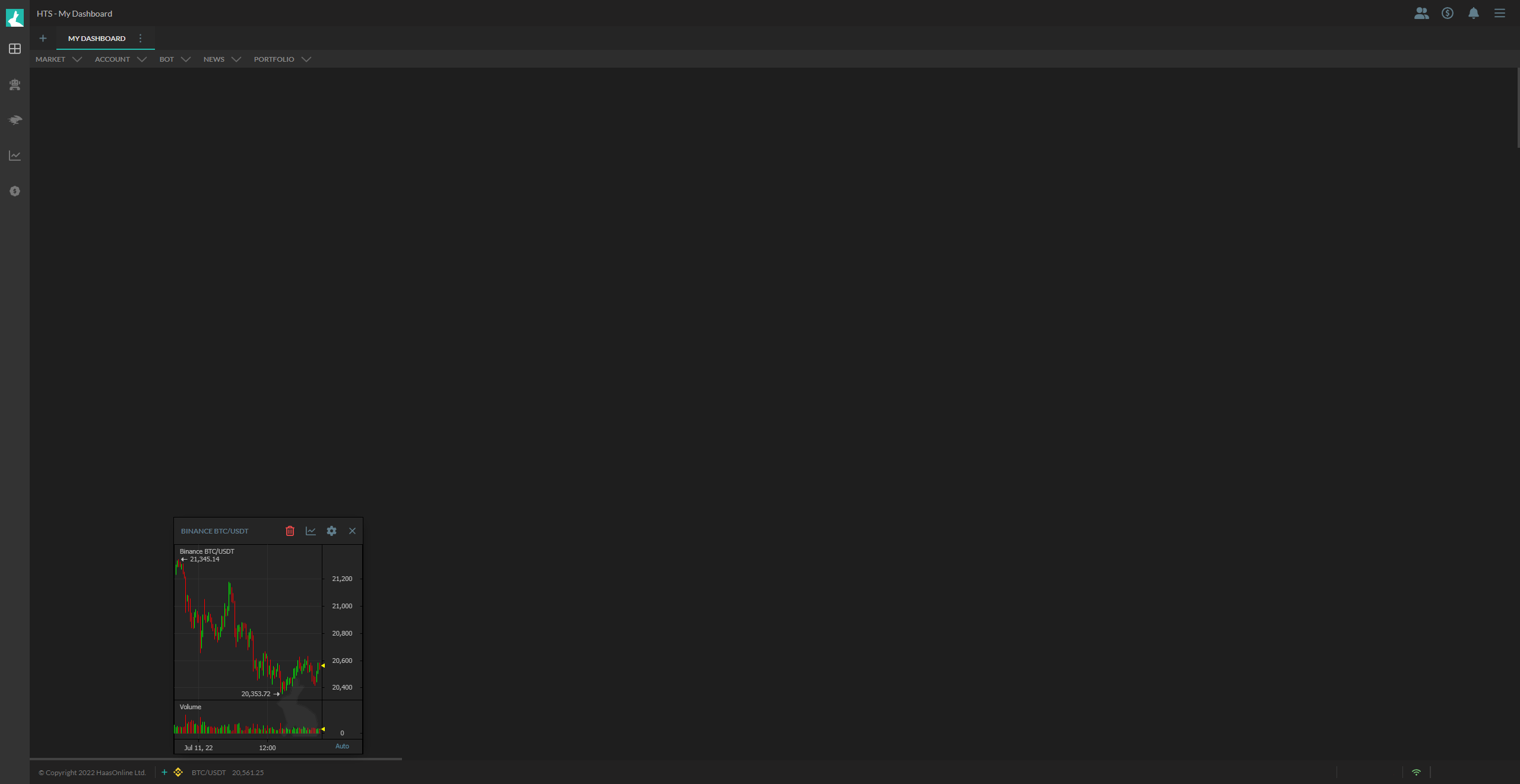
Tip: Click on the footer at a market/price and a small chart will show up.