Backups
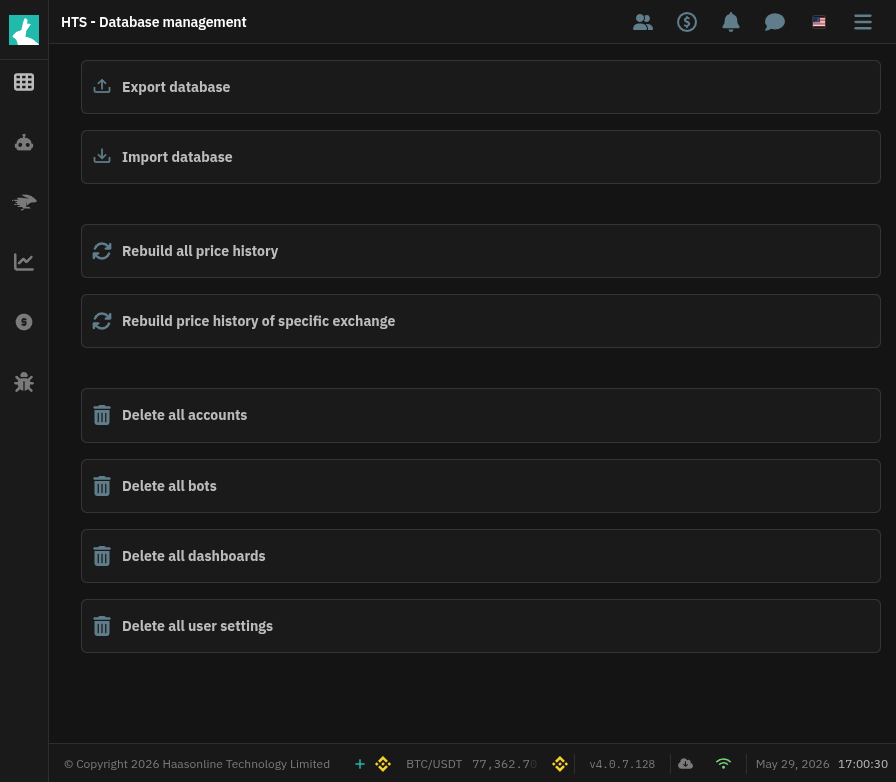
The TradeServer Enterprise provides automatic backups of your database on a daily basis. Additionally, you can manually create and restore backups on the Manage Database page.
Automatic Backups
Automatic backups are created every day at 0:00 UTC time. These backups are stored in the Backup folder and are named with the date and time they were created. To access automatic backups, navigate to the Backup folder in your TradeServer Enterprise installation directory.
Manual Backups
To manually create a backup of your database, navigate to the Manage Database page and click on the "Create Backup" button. This will create a backup of your database and store it in the Backup folder.
Restoring Backups
To restore a backup of your database, navigate to the Database Management page and click on the Import database button. This will prompt a confirmation and import the backup if selected "yes".