General Interface
Every view in the TradeServer shares the same frame. Whatever you are working on fills the middle of the screen, surrounded by three areas that stay put:
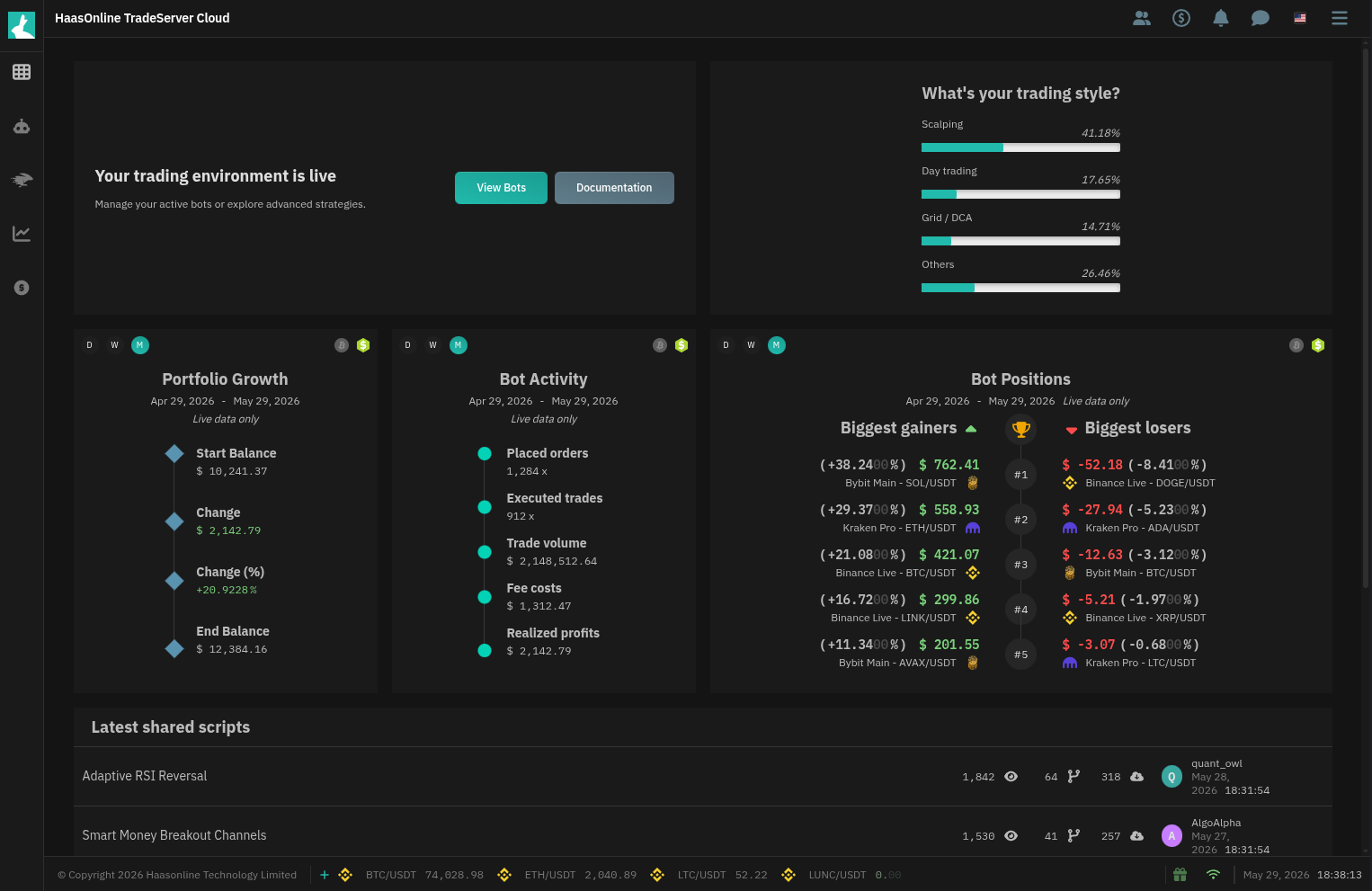
Left Menu - Navigation down the left edge, covering bots, HaasScript, tools and finance
Upper Right Items - Account data, manual trading, notifications and the chatbot
Status Bar - Price tickers, version number, connection status and the clock along the bottom