Binance US
Obtaining the API Key
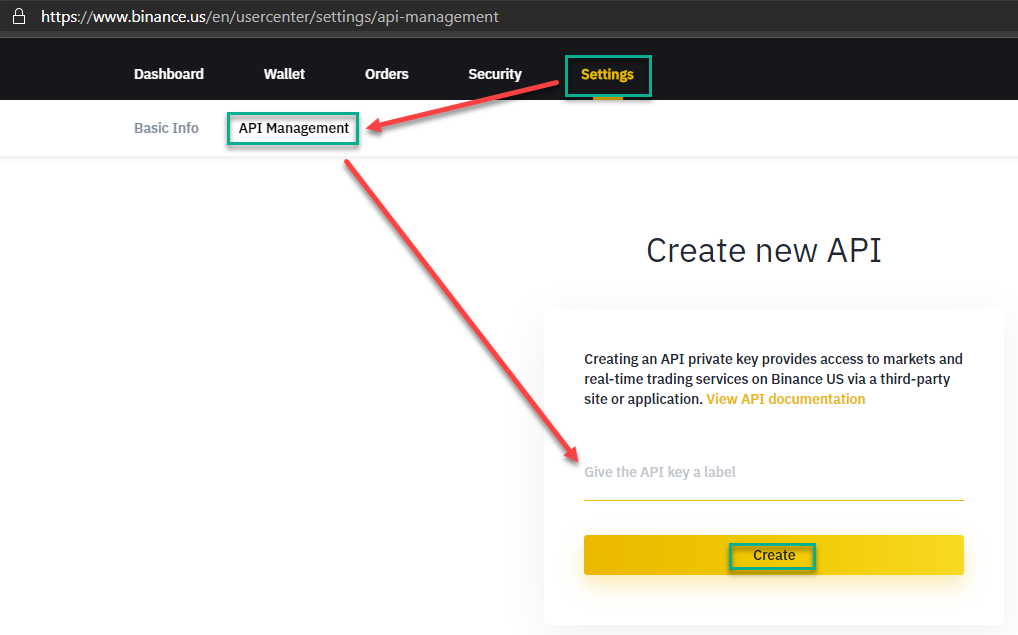
To get the API keys for your Binance US account, click on Settings and then API Management.
Enter a name for your new API key and click Create.
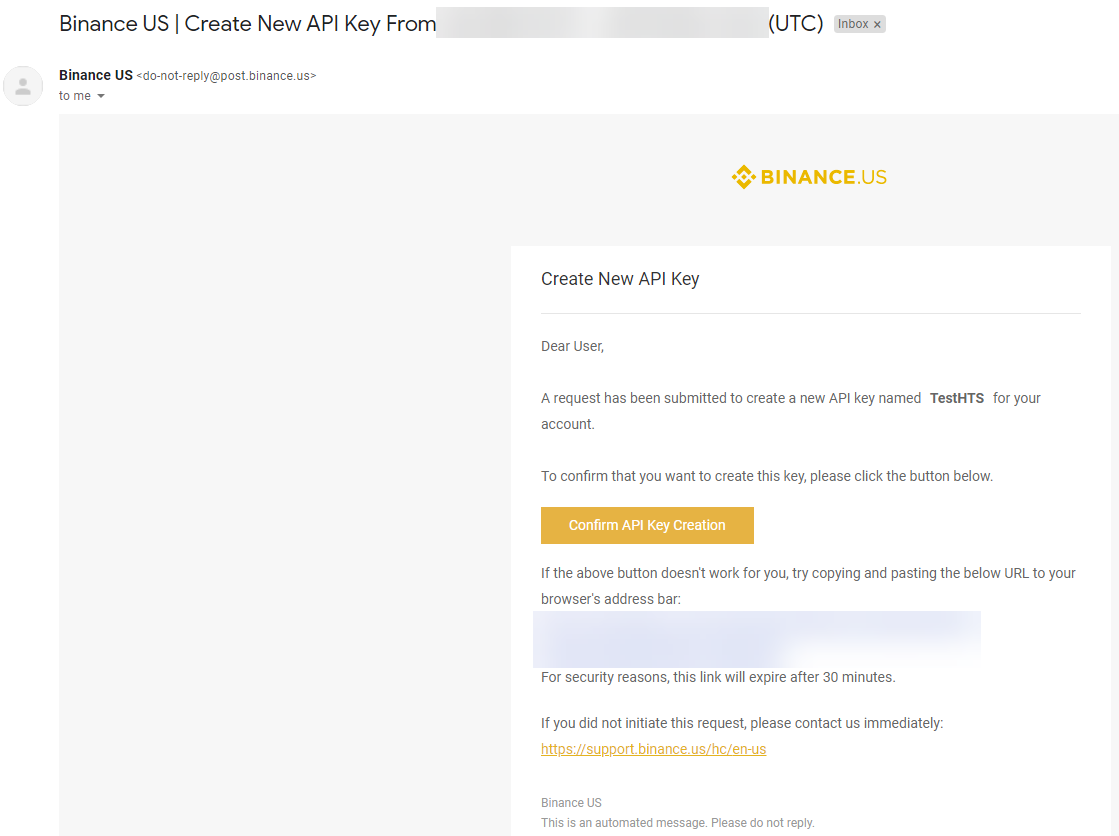
Approve the new API creation in your email.
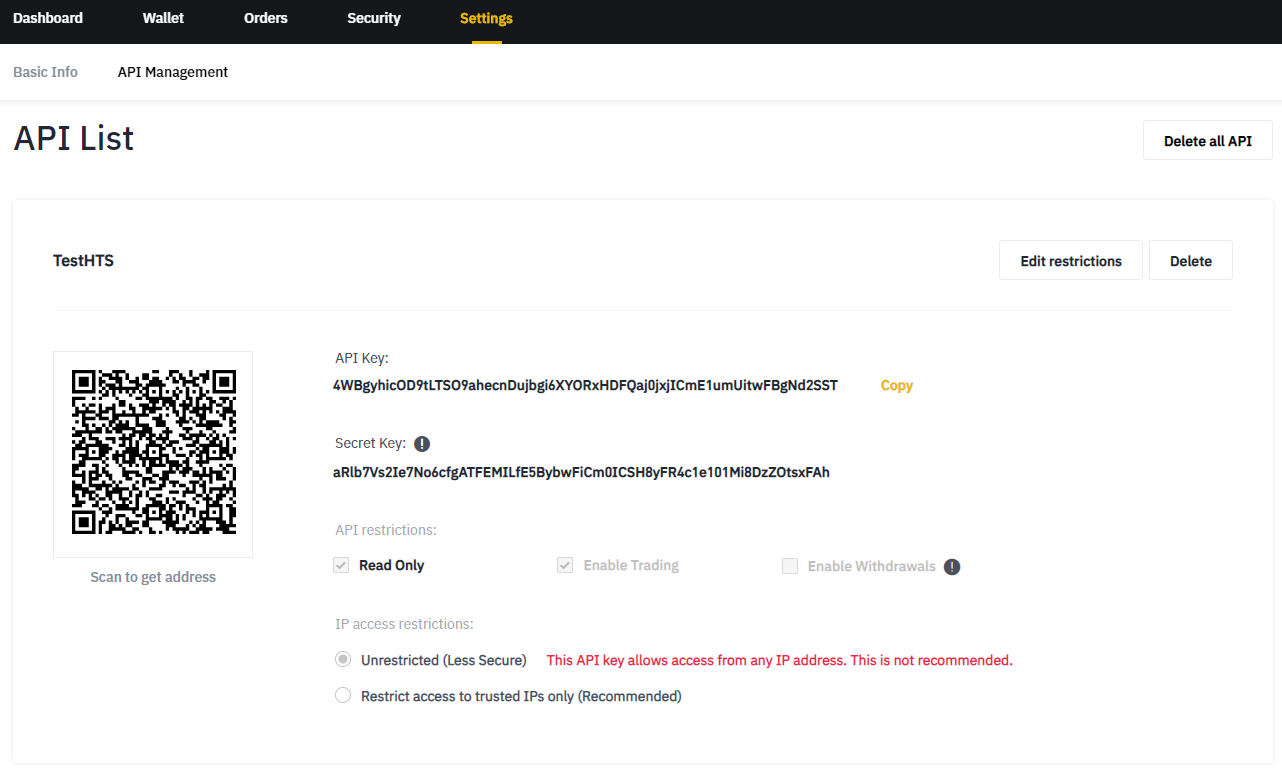
Once you are back on your API Management page in Binance US, click on Edit Restrictions.
Under IP access restrictions, select Restrict access to trusted IPs only (Recommended) and enter the IP address:
- If you are running an Enterprise license, use the IP address of your machine/server
- If you are trading on HaasOnline Cloud, enter the IP address shown in the HaasOnline UI during exchange account setup
Click on Save