❌ Bitpanda
Obtaining the API Key
To set up the API keys for your Bitpanda account, click on the Panda icon at the top right of the site and then API.
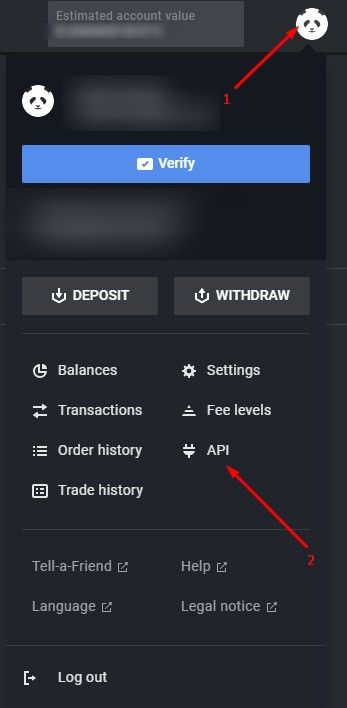
Click on New API key.

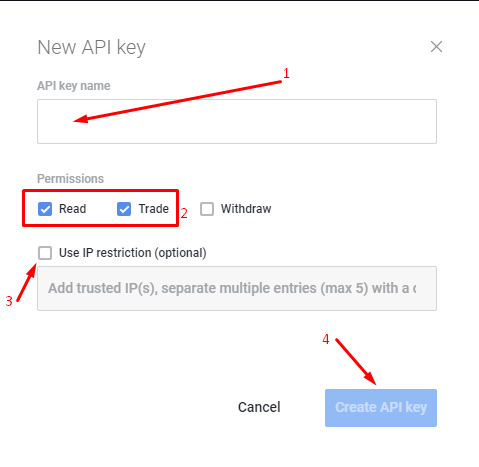
Complete the New API key form by supplying the (1) API key name, (2) selecting the permissions Read and Trade. Click (3) Create API key to proceed.
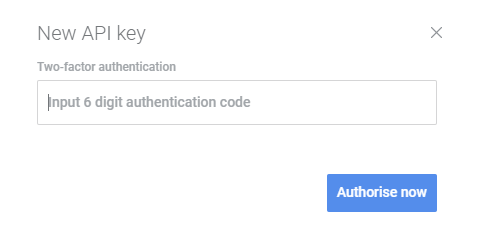
Supply your 2FA token to authorize the creation of the key.
An email confirmation will be sent.
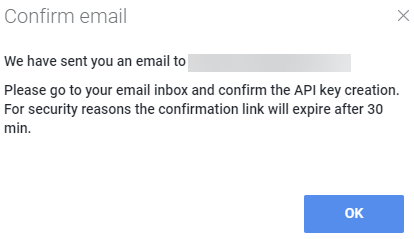
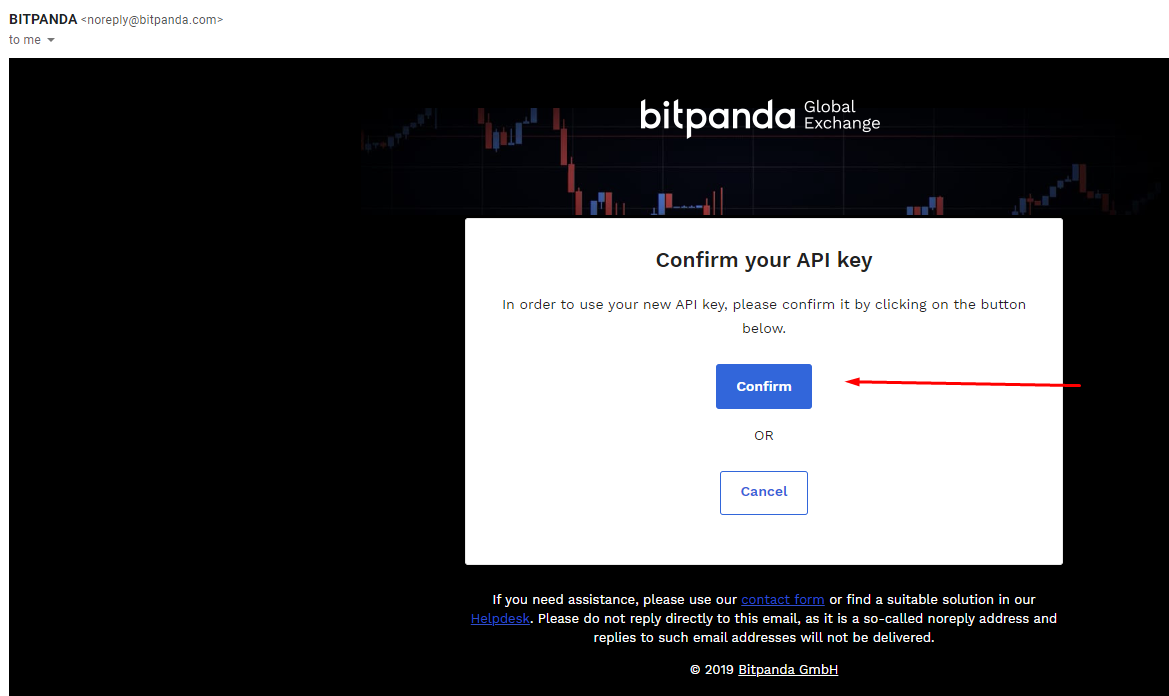
Confirm the creation of the API key via the email link.
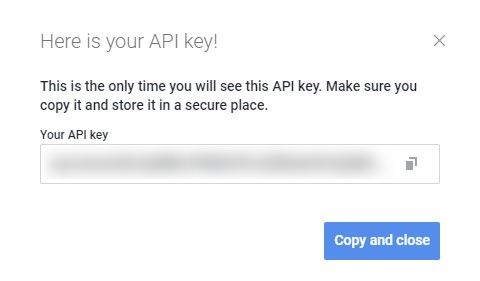
Bitpanda will display the newly created API key. Please copy the key to be used in the HaasOnline TradeServer in the Exchange Accounts page.