❌ Bittrex
Obtaining the API
To get the API keys for your Bittrex account you need to log in and open up the Settings page.

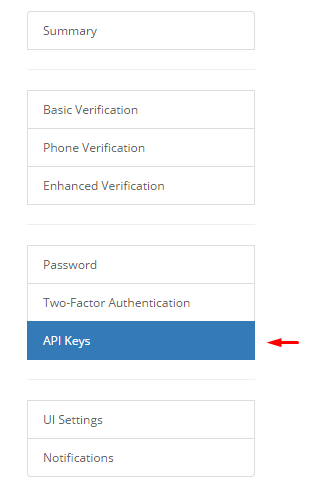
The API key settings can be found on the left side menu under API Keys.
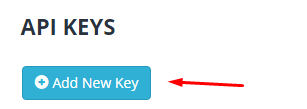
Click on Add New Key.
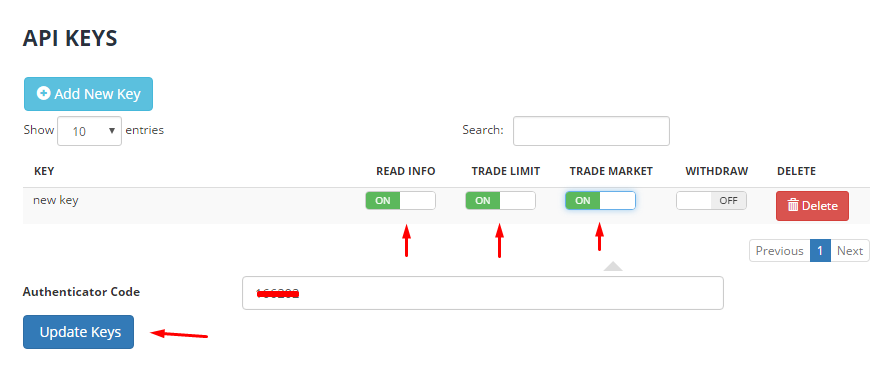
Please make sure to check the items listed below and proceed by entering the security code (if setup) and clicking Update Keys.
When the keys are updated the API credentials will be shown. Please copy the marked field into the Price Drivers & Accounts page in HaasOnline TradeServer in the Exchange Accounts page and you are all set to go.
Warning
Pay attention if you copy the keys. Avoid extra spaces and make sure the full text is copied!
