Huobi
Obtaining the API
Warning
The API keys of Huobi expire every 90 days. Make sure you create a new one before the time has expired.
You will first need to log in to the exchange and then click on API Management.

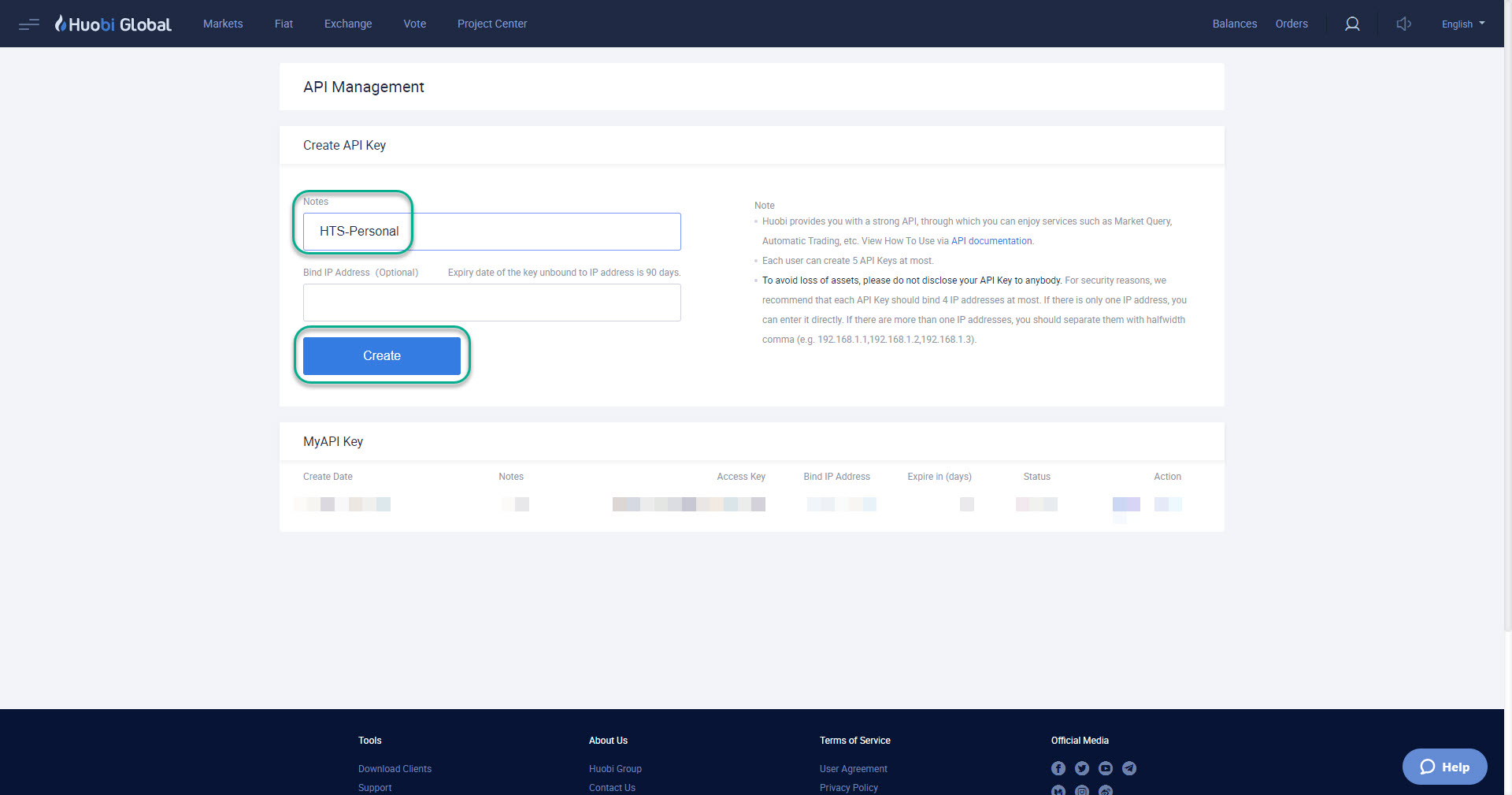
You will then be shown a page where can create your API key.
It is recommended that you enter some identification detail in the Notes section and click on Create.
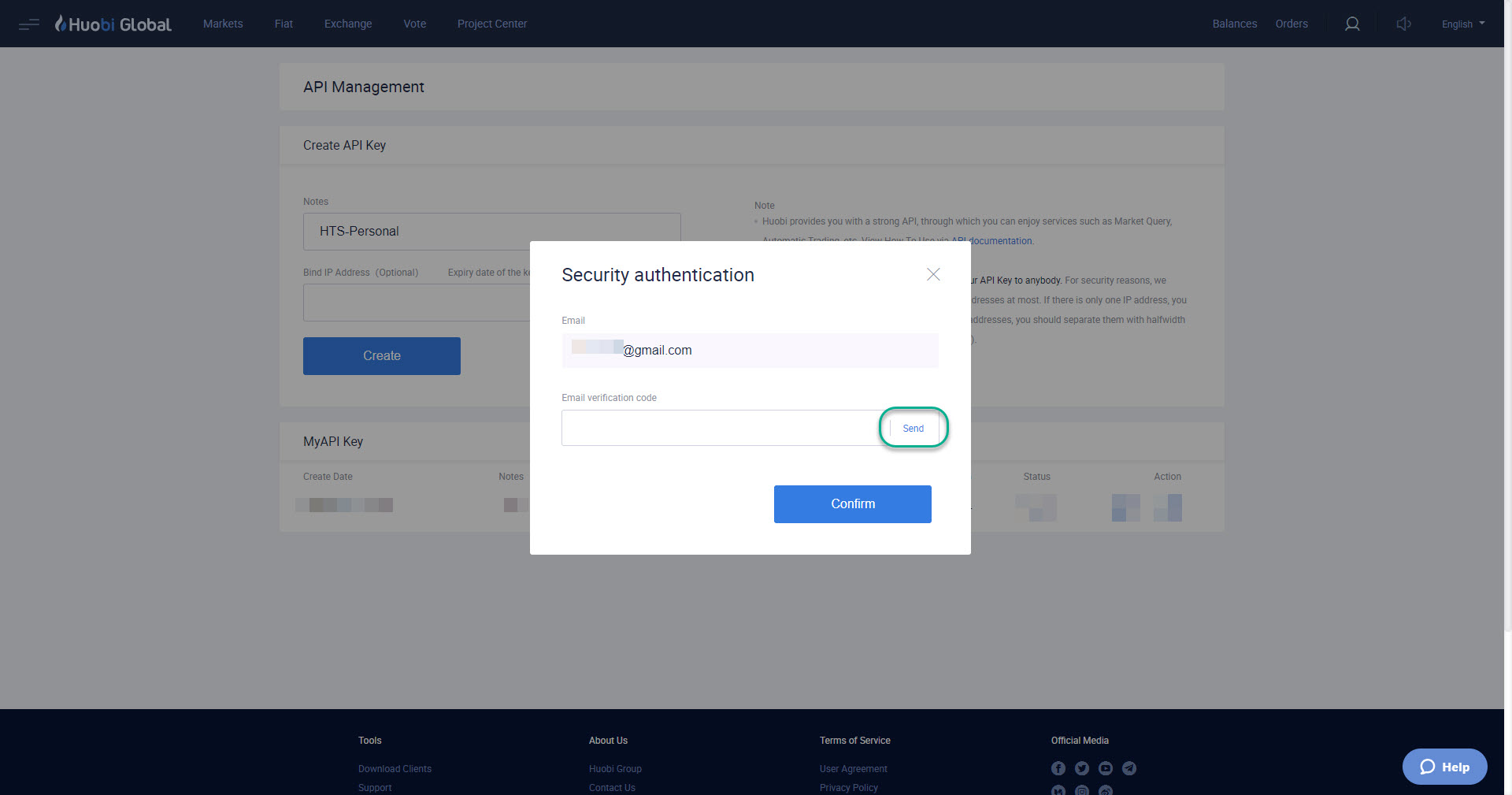
A security authentication pop-up will appear in the middle of the page with your email address that is registered to the exchange. Click on Send and check your email for the code.
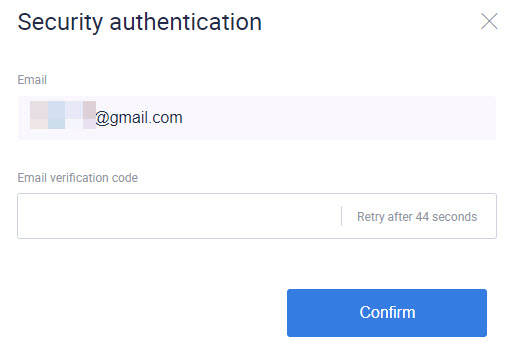
Once you have entered the code, click on Confirm.
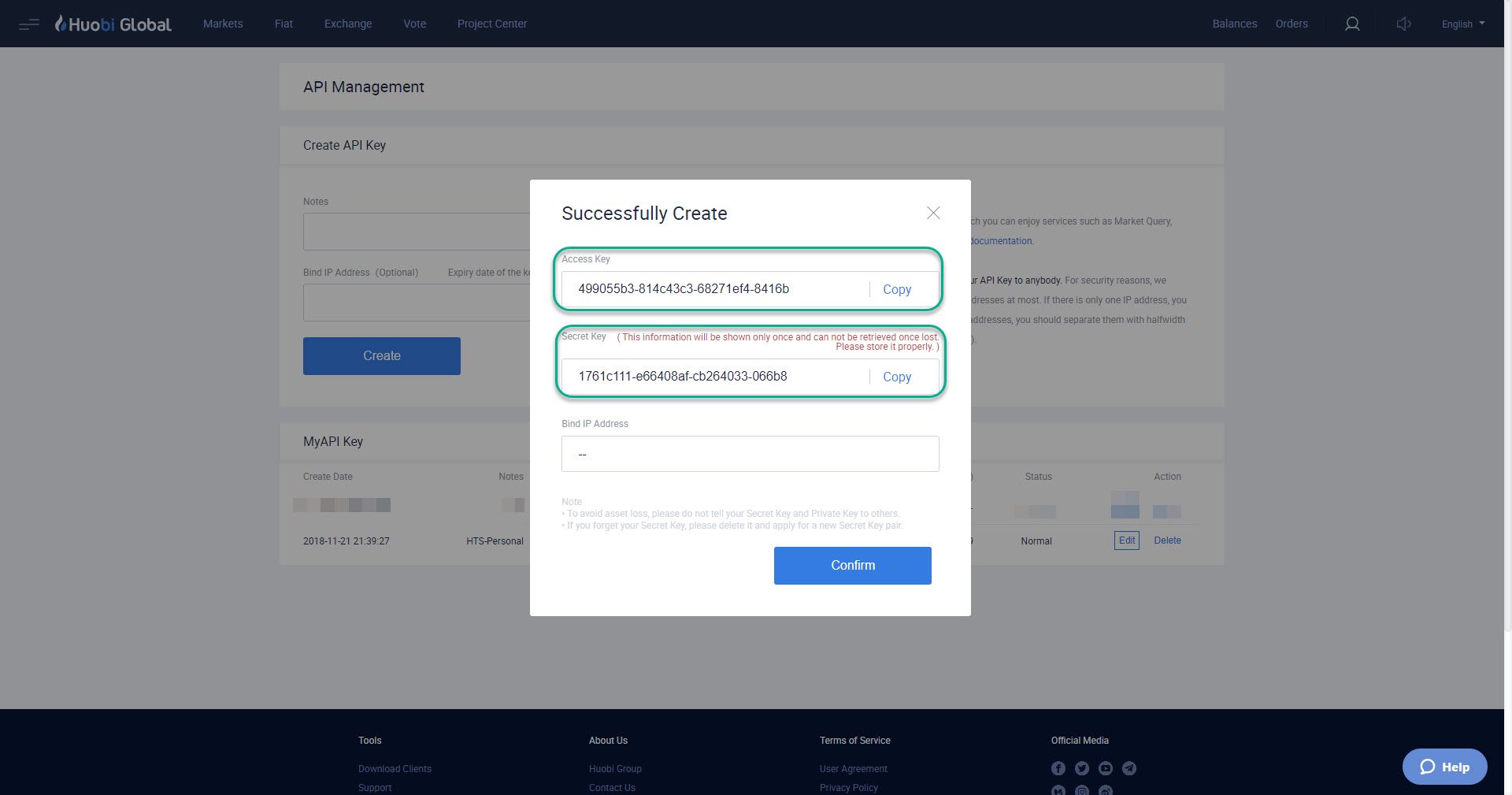
A new pop-up will come up and you can now copy the Access Key and Secret Key into HaasOnline TradeServer in the Exchange Accounts page.