Kraken Futures
Obtaining the API 
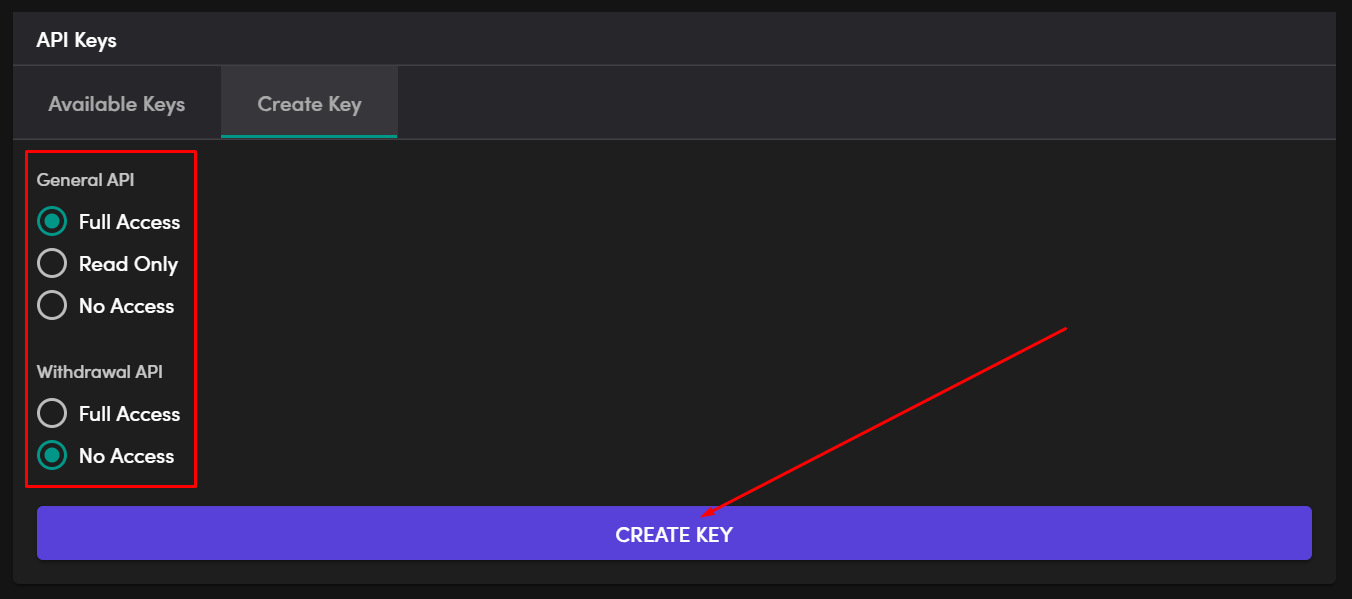
To create the API key for your Kraken futures account, you need to log in to Kraken Futures and then select Settings from the dropdown menu under your account name and then click Create Key in the API Keys section of the menu


Select the options below and then click on Create Key
A window will pop up showing the details of the newly generated key make sure you save these details.
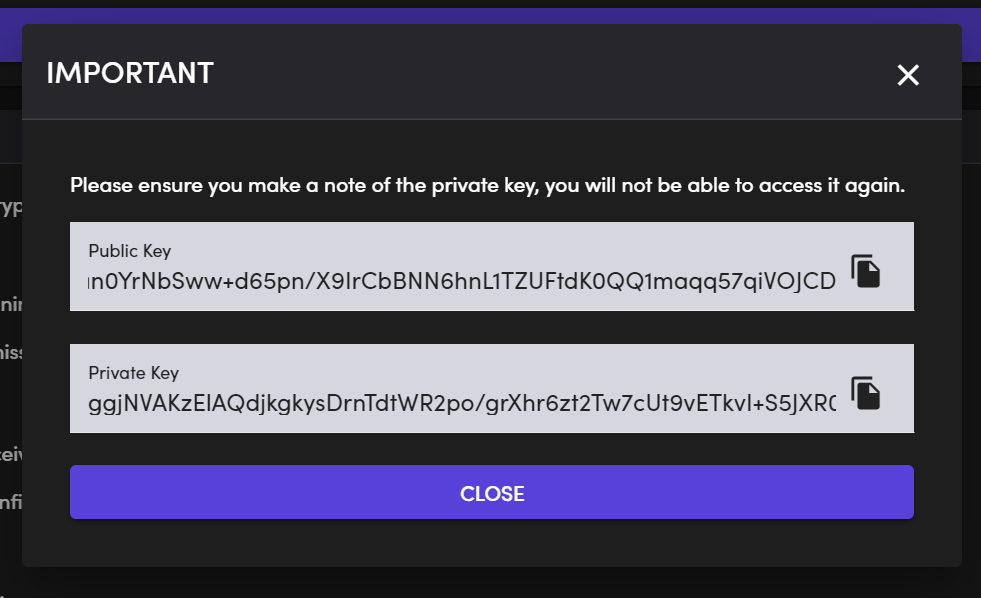
The key will be generated without any further confirmation.
Now, all that is needed is to copy over this data to your new account in the Exchange Accounts page on the HaasOnline TradeServer.