KuCoin
Obtaining the API
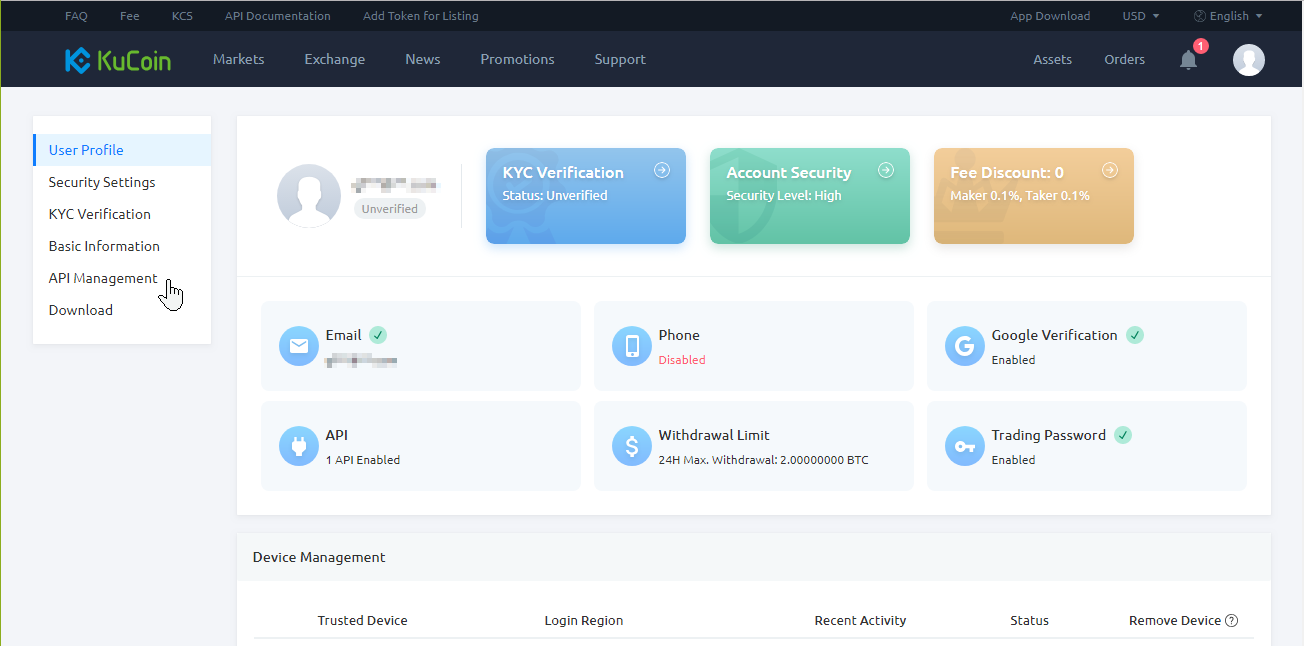
To get the API keys for your KuCoin account, you need to log in and click on Account and then click on API Management
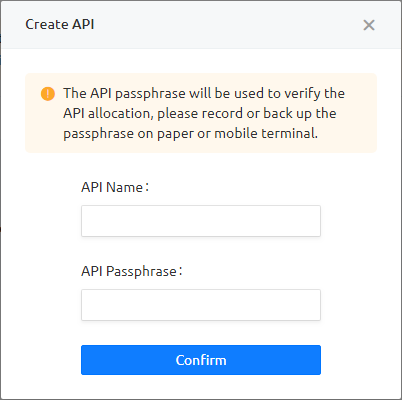
Click on Create API and enter an API name and an API passphrase. The API passphrase will be used to verify the API allocation, please record or back up the passphrase on paper or mobile terminal. After you have filled in the requested information, click Confirm
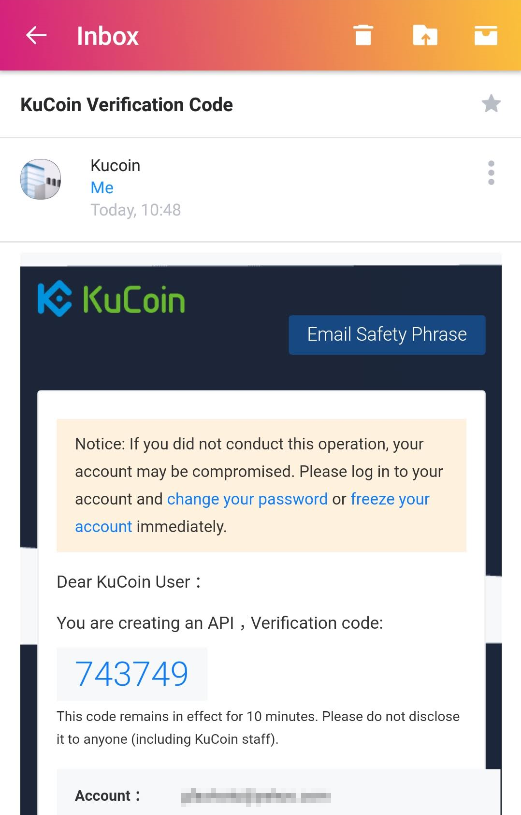
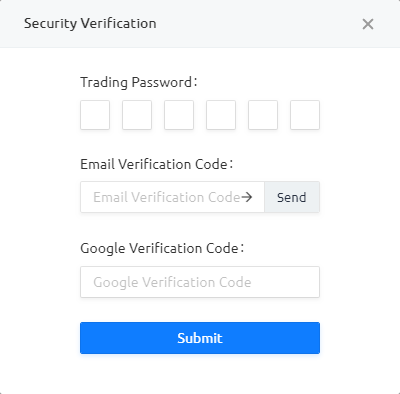
You need to request an email verification code, click Send and you will receive an email with the verification code.
Fill in the requested security verification and clickSubmit
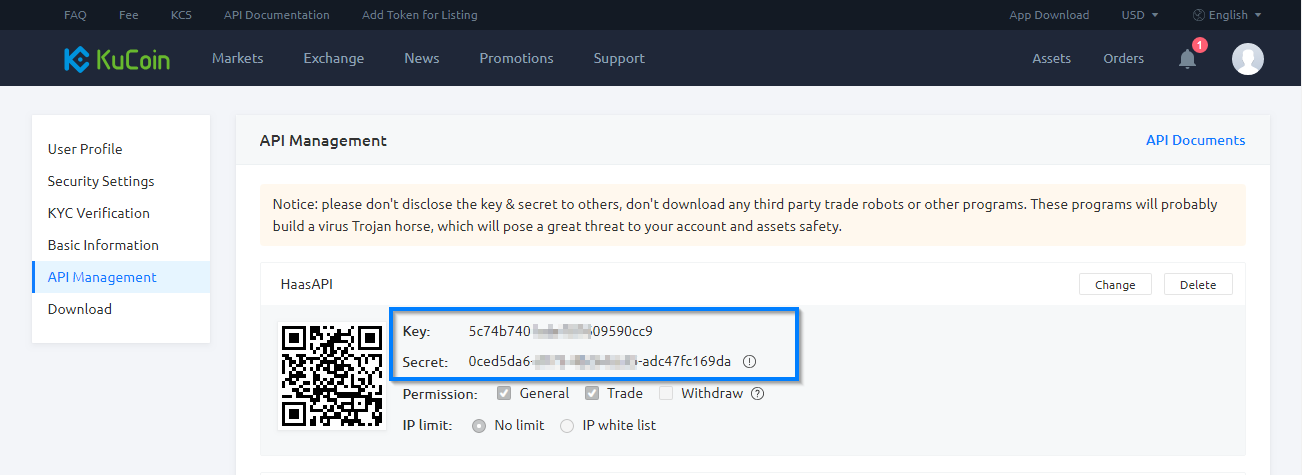
It will take you back to the KuCoin API Management page where you find the newly created API.
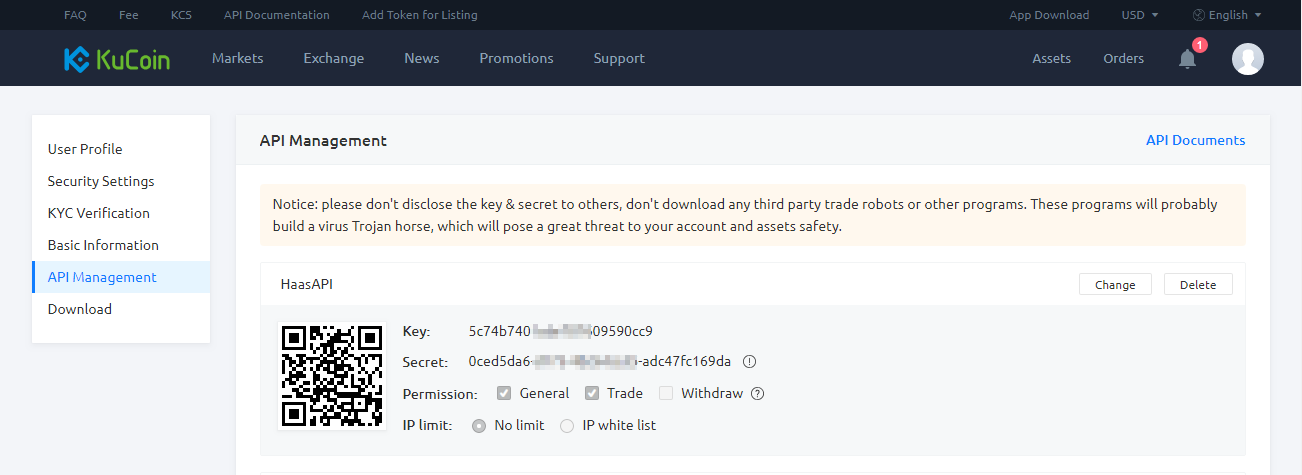
Now you can just copy the key and Secret into HaasOnline TradeServer in the Exchange Accounts page.