OKX
Obtaining the API
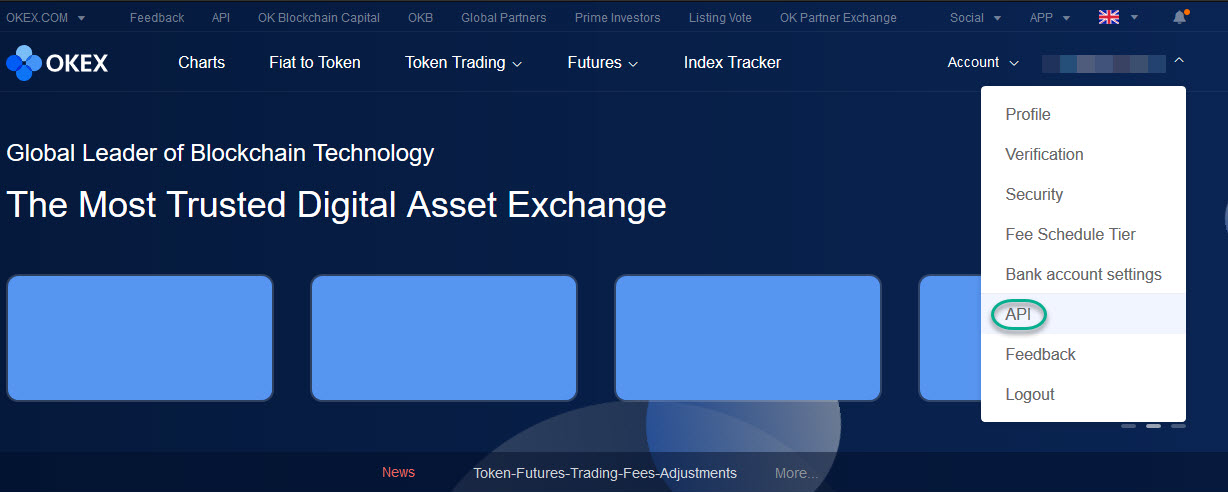
You will need to log in to the OKX exchange and click on API from the drop down under your email address on the top right.
You will be then taken to the My API page.
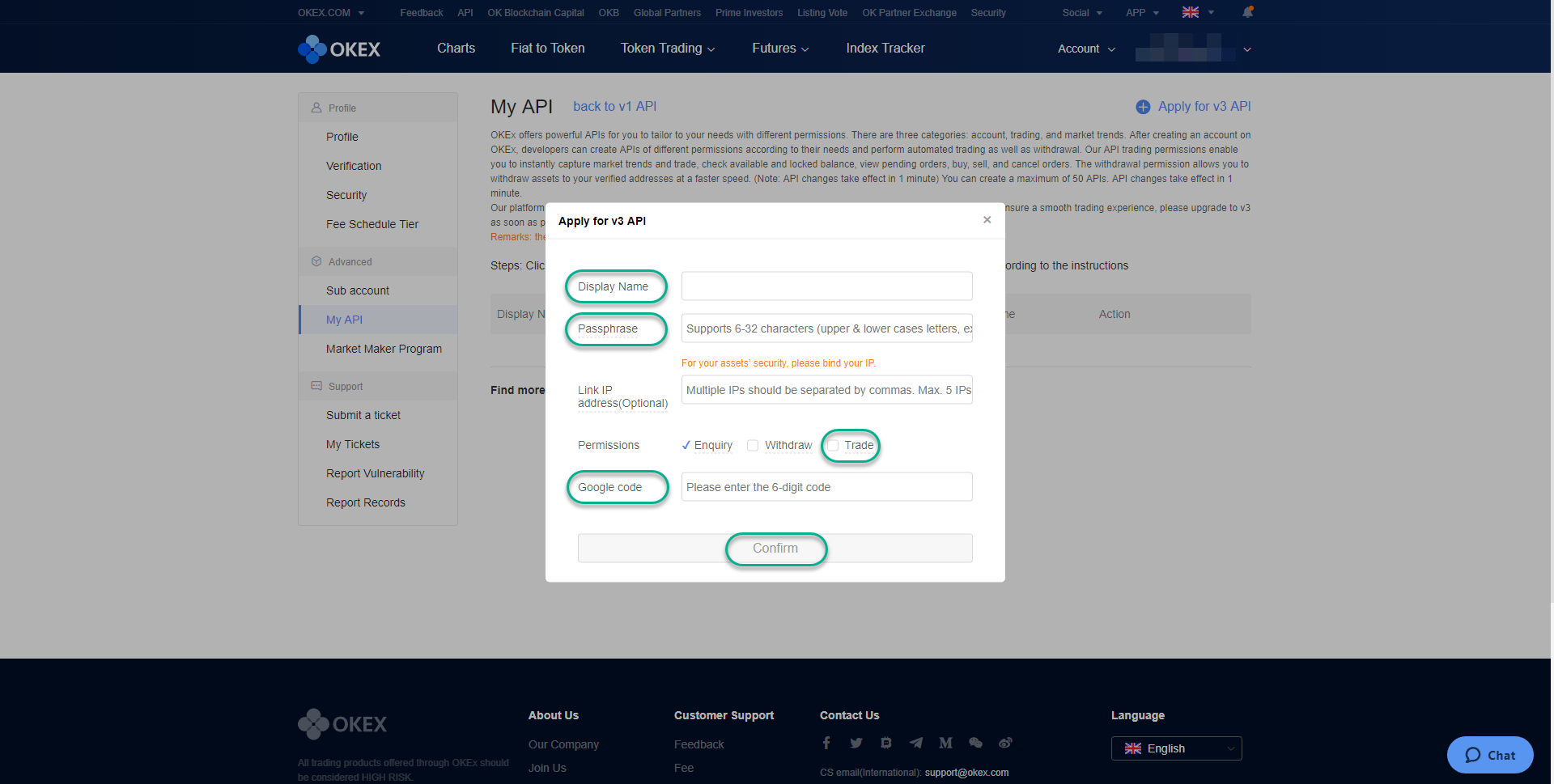
Enter the Display Name, Passphrase, enable Trade and enter your Google Authenticator code (if enabled). Once these are entered, click on Confirm.
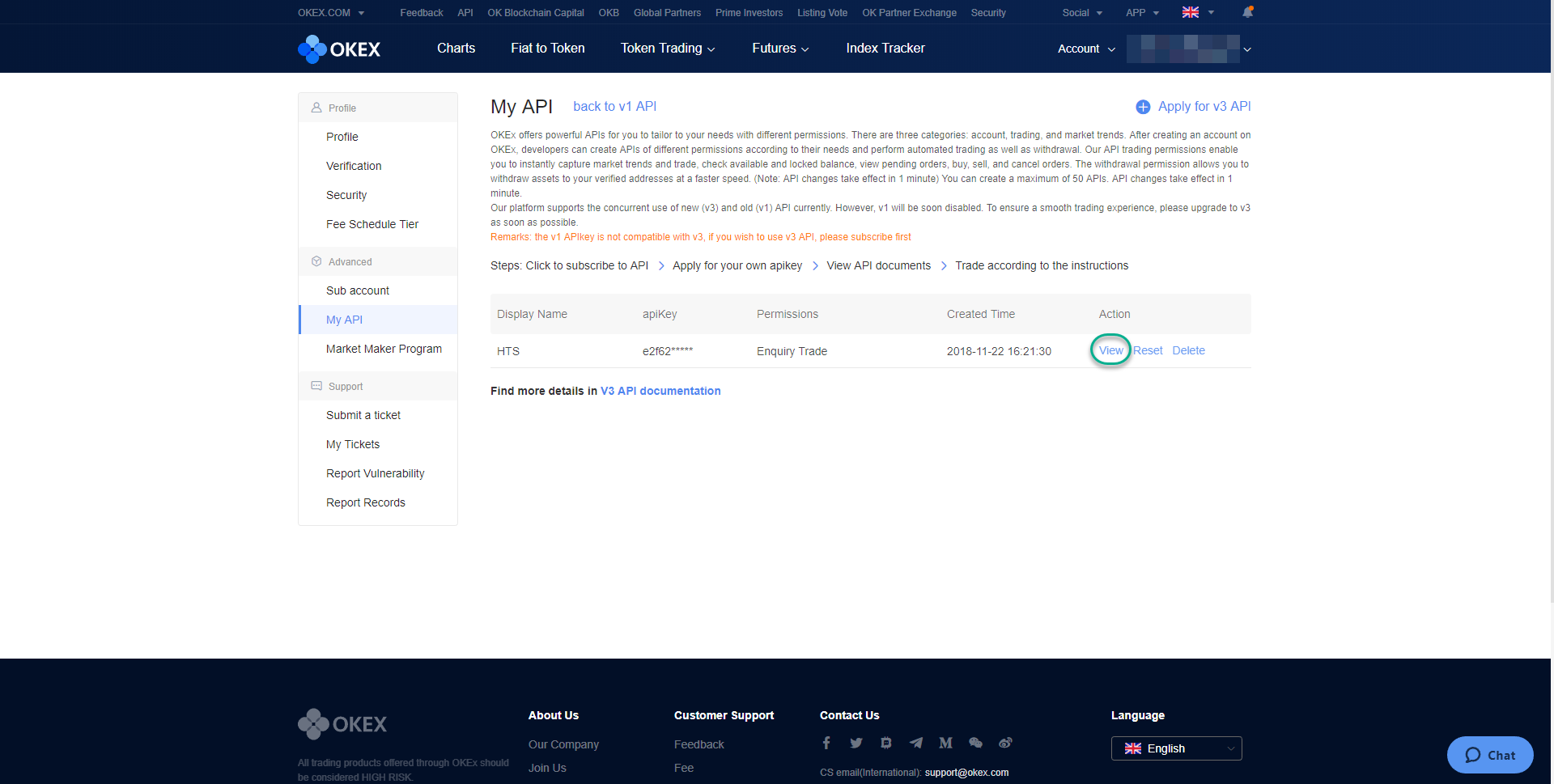
The page will refresh and you can then click on View under Action for your API key.
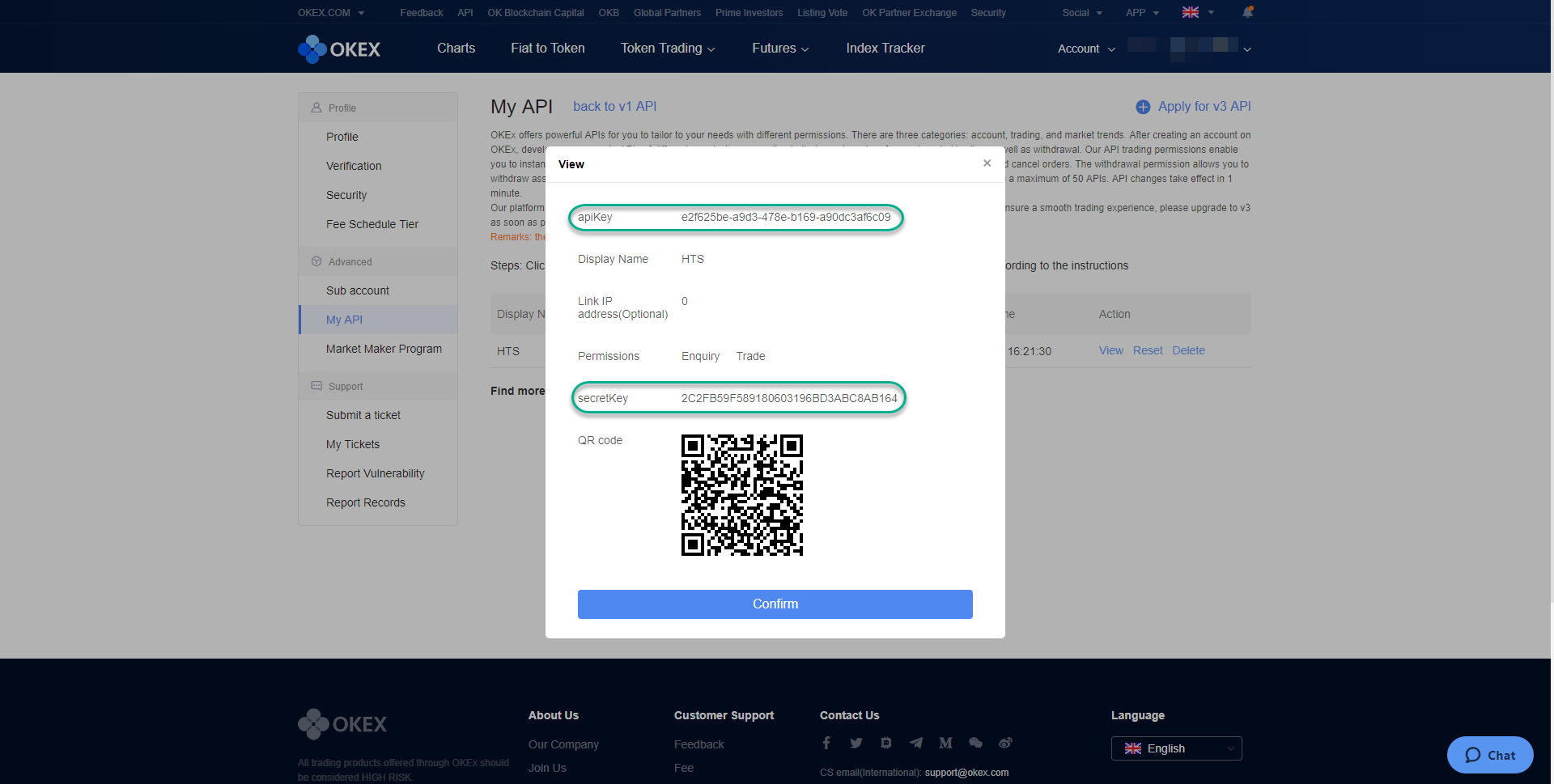
Enter the Passphrase that you have entered earlier and the Google Authenticator code (if available). Once these are entered, click on Confirm.
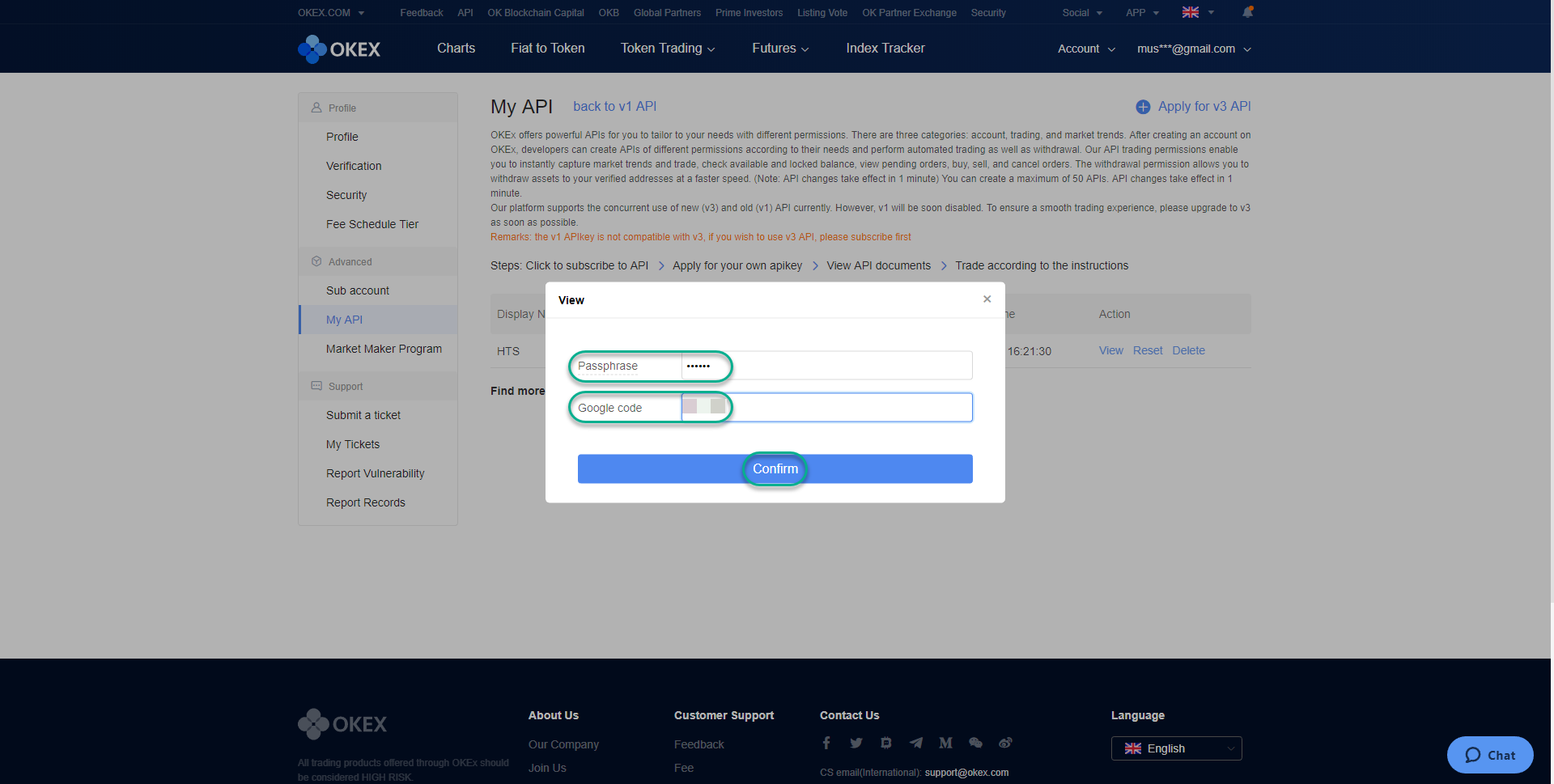
Copy apiKey and secretKey into HaasOnline TradeServer in the Exchange Accounts page.