Poloniex
Obtaining the API Key
Danger
Do NOT use the same API key that you have created for other services.
When configuring IP restrictions:
- If you are running an Enterprise license, use the IP address of your machine/server
- If you are trading on HaasOnline Cloud, enter the IP address shown in the HaasOnline UI during exchange account setup
- Log in to Poloniex
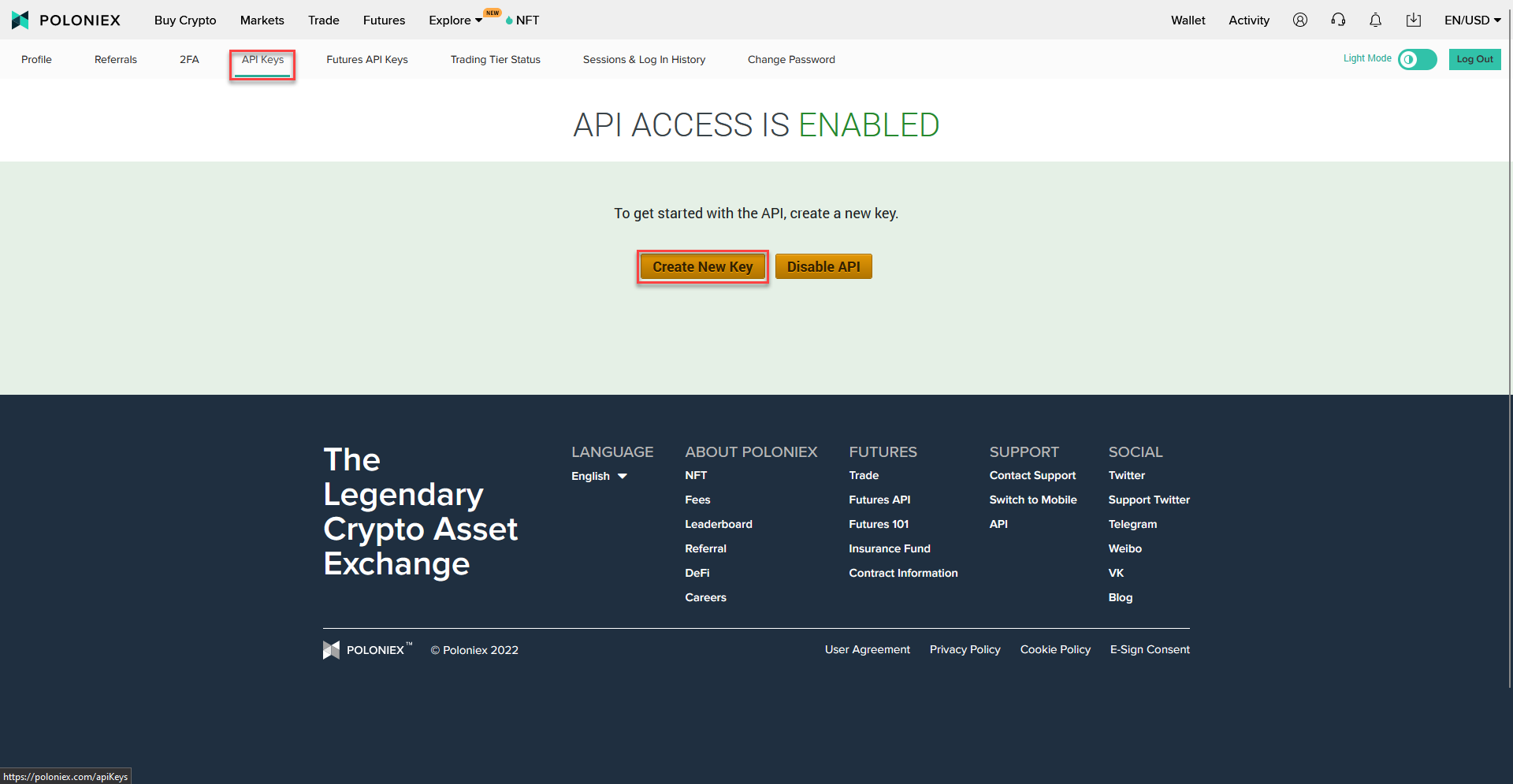
- Click on
More Settings - Click on
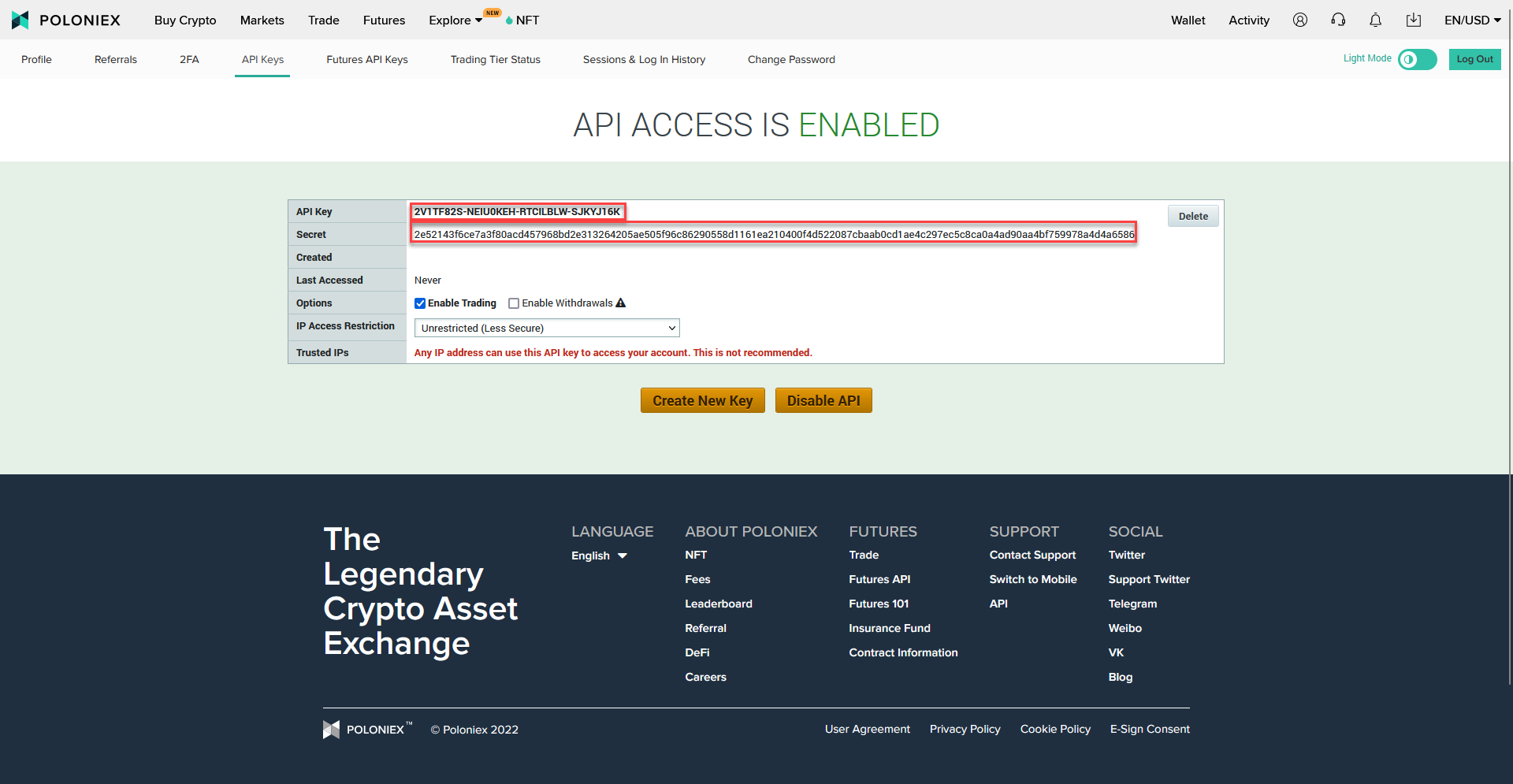
API Keysand then onCreate New Key - Please make sure that the message
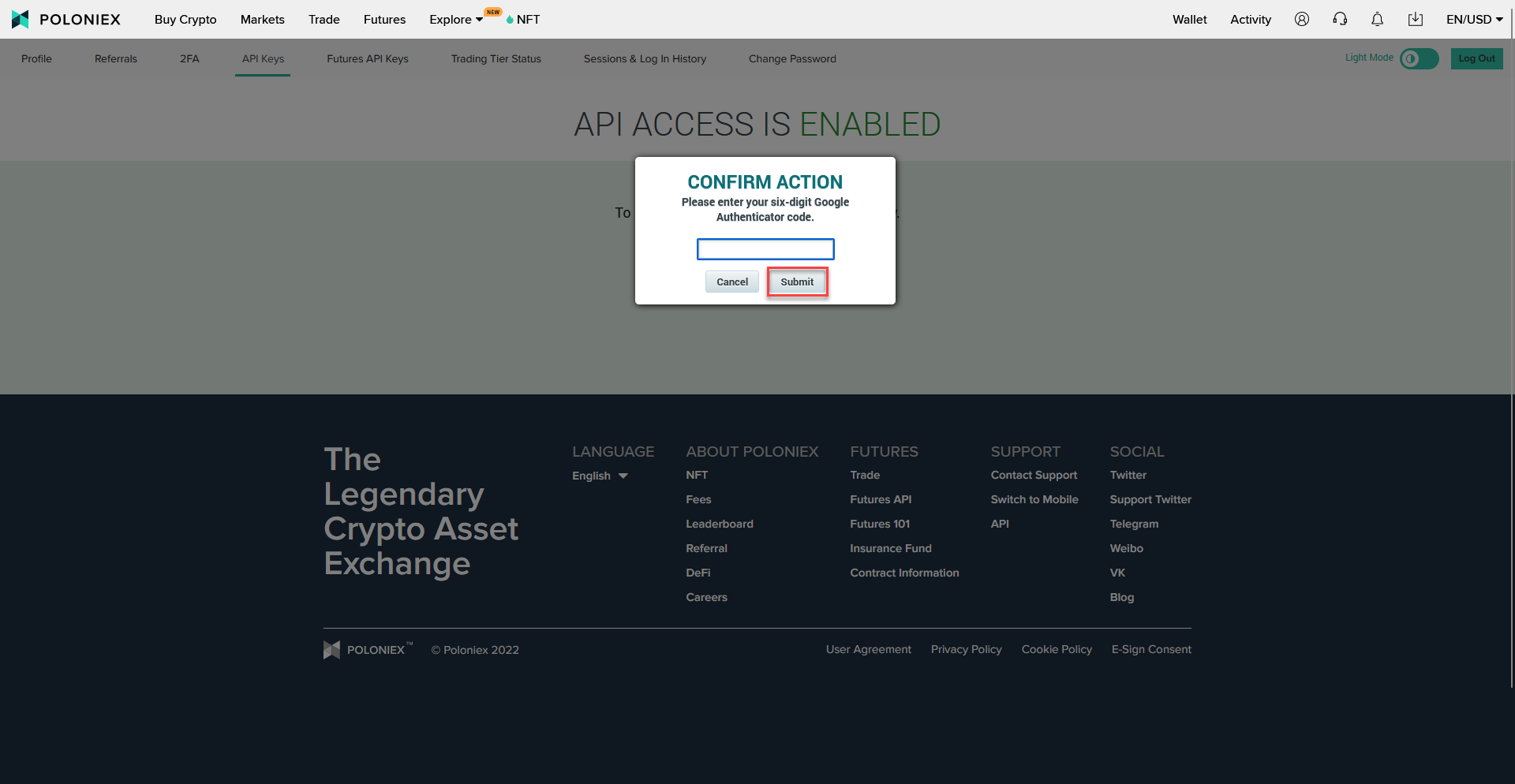
API ACCESS IS ENABLEDis shown at the top - Enter your 2FA code and click on
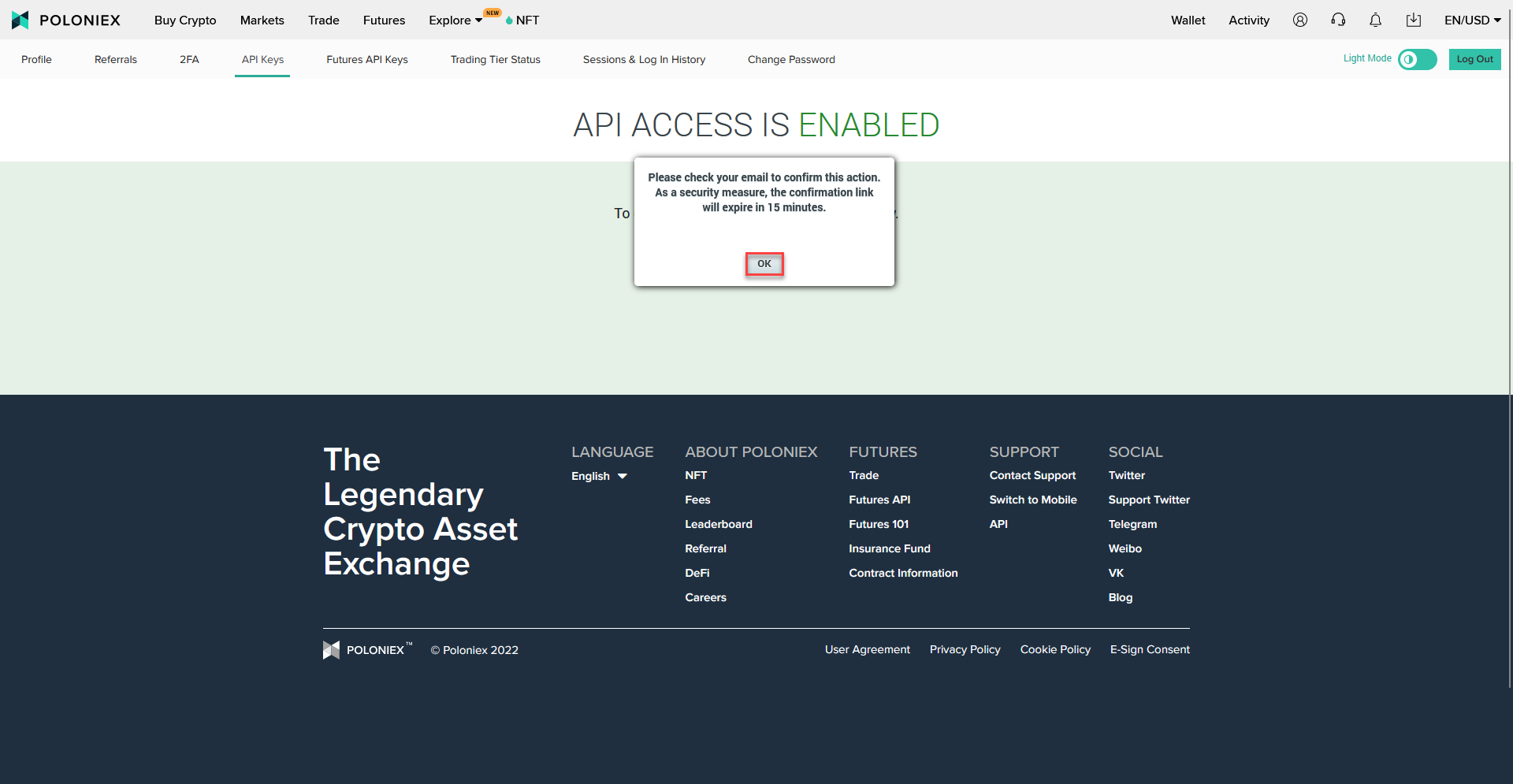
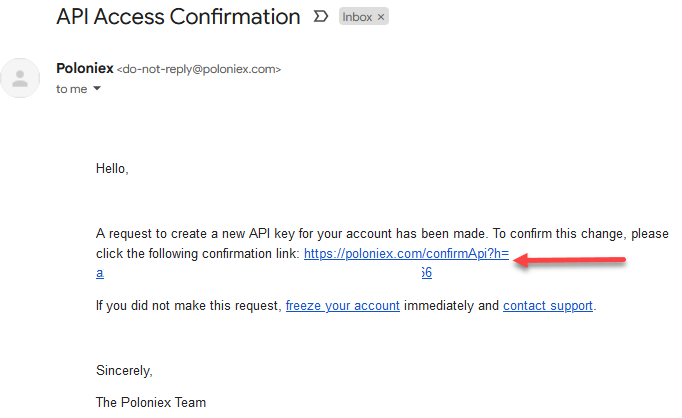
Submitand then onOK - Go to your email address that is associated with the account and click on the email from Poloniex.
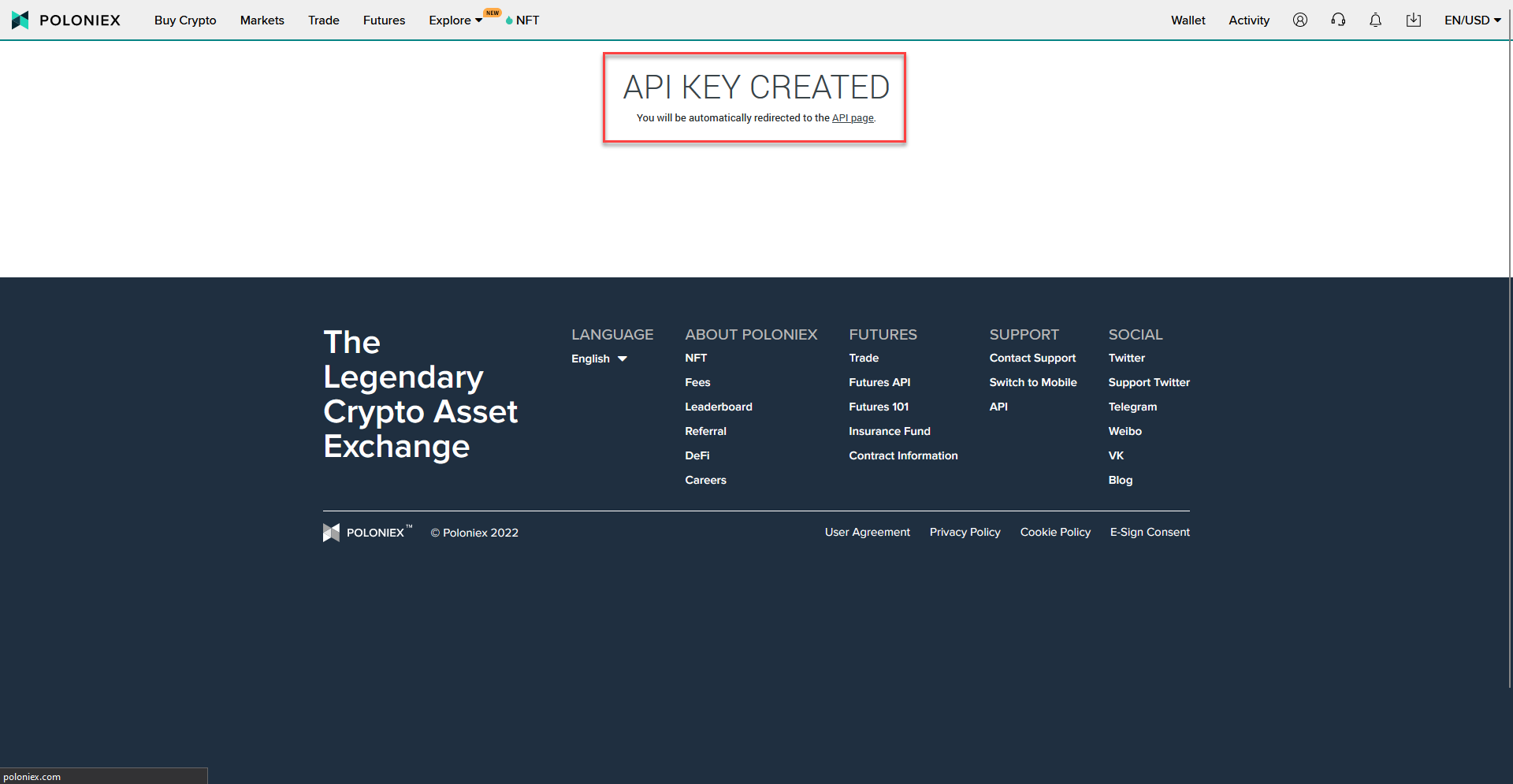
- A new tab will briefly open that says
API KEY CREATEDnear the top of the page - The page will refresh and show you your new API Key
- Keep the page open and log in to your HaasOnline TradeServer and navigate to the Exchange Accounts page.