Price history
The TradeServer Enterprise is automatically tracking what price markets you are using and it will download 1 month of price history by default.
To download more price history, you need to go to the upper right menu and select "Price history status". This will open a new page where you can see all the price markets listed.
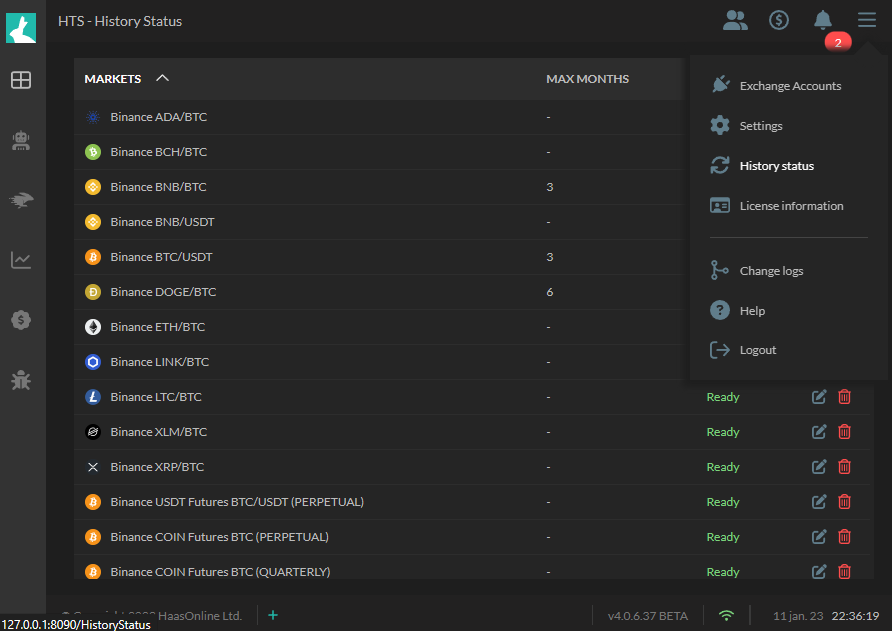
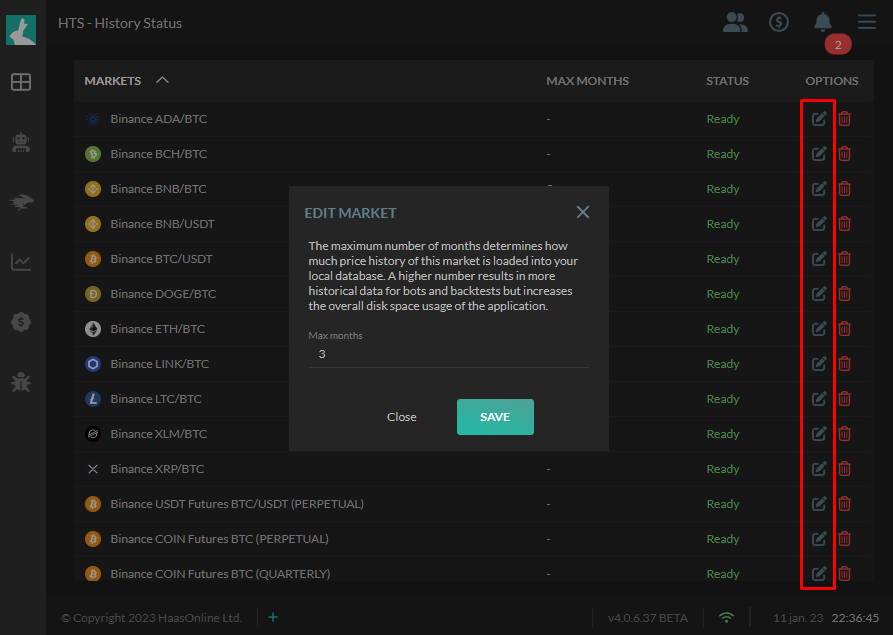
On the right of each price market you have 2 options. One is to edit the amount of months you want to download and a second button to remove the market from tracking.
Info
The maximum amount of months you can download is 36
Info
There are a number of markets listed which you never really used. These are default markets and they get downloaded for price conversion purposes.