Skip to content

Built-in Bots

The Haasonline TradeServer Cloud comes with a number of built-in bots.

We have created several new bots for you to use while porting over all our Custom Bots from Haasonline TradeServer (V3).

Open bots in Web Editor

  1. Go to the left menu and select the "Web Editor"
  2. On the "Web Editor" page, click on the "Open Script" icon, or press CTRL+O.

HaasOnline web editor Open button on dark-themed user interface toolbar.

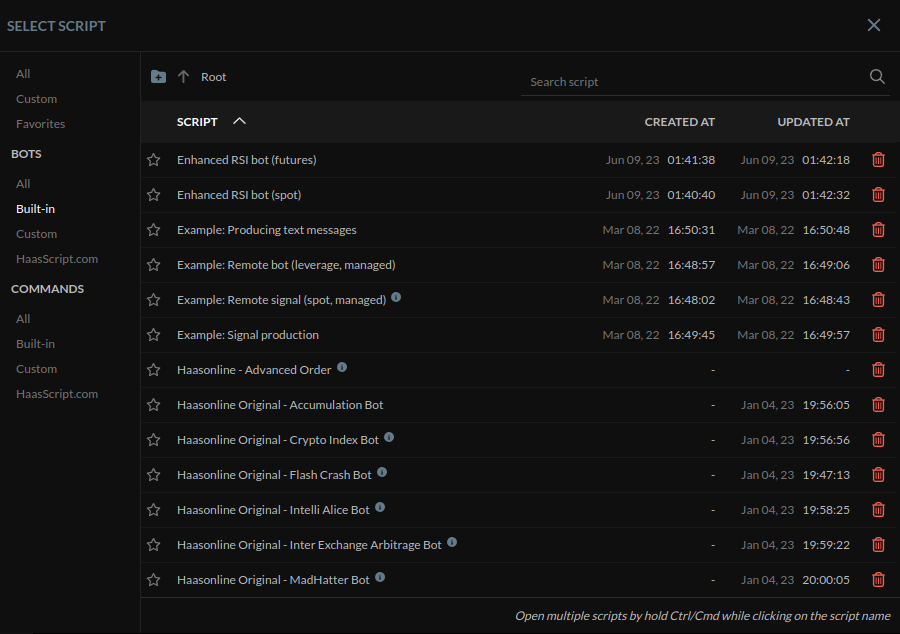
  1. A window will pop up. Go to the left side and select "Built-in" under "BOTS". This will filter scripts to show only the built-in bot scripts. Find the bot in question and click to open the script.

    HaasOnline trading platform script management interface with various script names and details.

    Script selection window

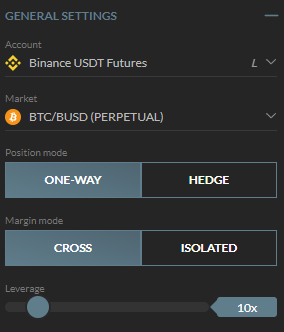
    4. The script will load. On the left side, you can set up the exchange and market where the script is going to run its backtests.

Cryptocurrency trading platform's general settings panel with futures market options including one-way, hedge, cross, and isolated leverage modes.